Talkvisor · LIVE PROJECT
From manual triage to AI-powered prioritization
© Talkvisor
ROLE
Product Designer
TIMELINE
4 Months
TEAM
Engineers, PM, Data Science
SKILLS
AI Prototyping, Dashboard Design, User Research, Design Systems
PROBLEM
Merchants wanted automation, but the dashboard was still built for manual work
Dashboard engagement had dropped 64% year over year. The AI kept getting smarter, handling more conversations automatically and surfacing sharper insights, while the tools merchants used to manage it stayed frozen in version one. Store owners couldn't tell what the bot was doing for them, so they stopped logging in.

The Numbers
Dashboard engagement had dropped 64% year over year—store owners were barely logging in at all.
Root Cause
Not a missing feature—a mismatch of mental models. The AI had outgrown the interface built around it.
Merchant Sentiment
“Merchants want automation, but existing dashboards are still designed for manual operation.”
SOLUTION
A dashboard that leads with what needs attention
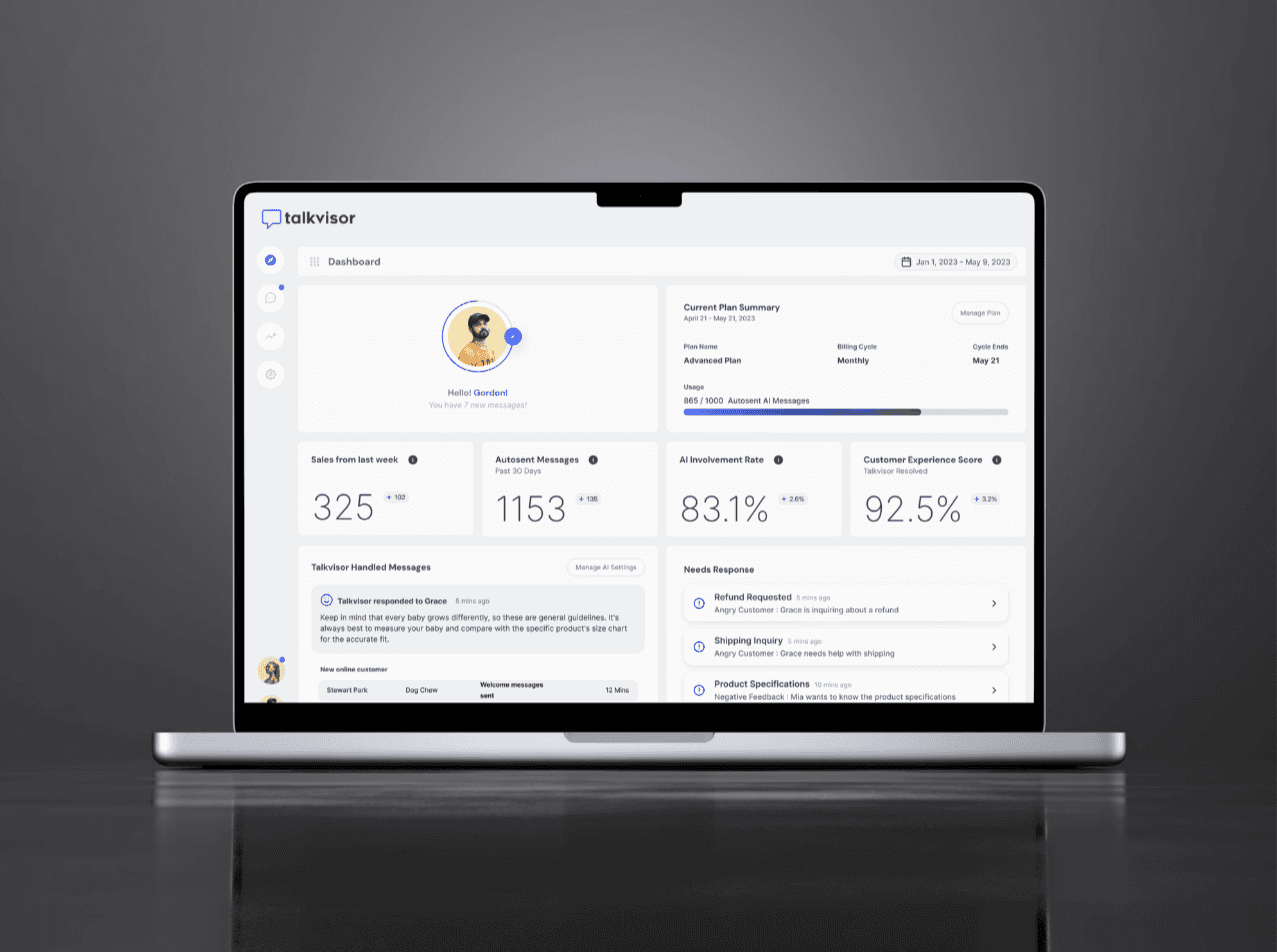
We moved away from individual message cards and rebuilt around a Needs Response feed that surfaces refunds, shipping questions, and complaints the moment they need a human. AI involvement rate, autosent messages, and customer experience score sit right alongside it, so merchants can see the AI's impact the second they log in, not just the outputs.

CORE FLOWS
From a wall of messages to a ranked queue
The old dashboard listed every conversation with equal weight. The redesign restructured it around what's actionable: refund requests, shipping inquiries, and complaints move into a Needs Response queue the moment they need a person, while fully-automated conversations stay out of the way. Merchants can tell within seconds what the AI already resolved and what's waiting on them.
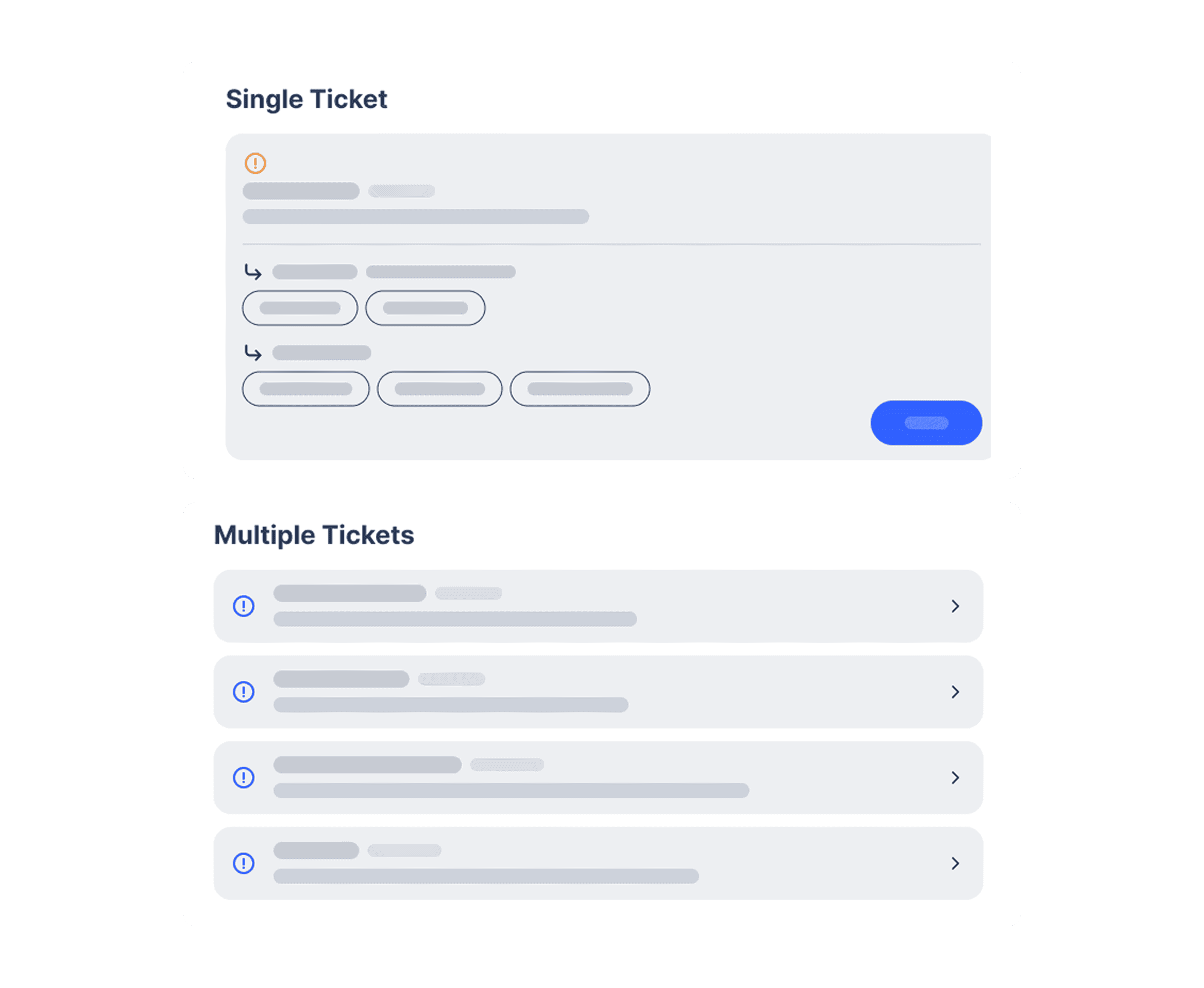
Needs Response
Refund requests, shipping inquiries, and complaints surface first, tagged with the customer's sentiment.
Talkvisor Handled Messages
A running log of what the AI already resolved, so merchants can spot-check instead of re-reading every thread.
AI Involvement & Experience Score
Live stats on autosent messages, AI involvement rate, and customer experience score sit next to the queue, not buried in a separate report.
RESEARCH
8 Shopify owners, one clear pattern
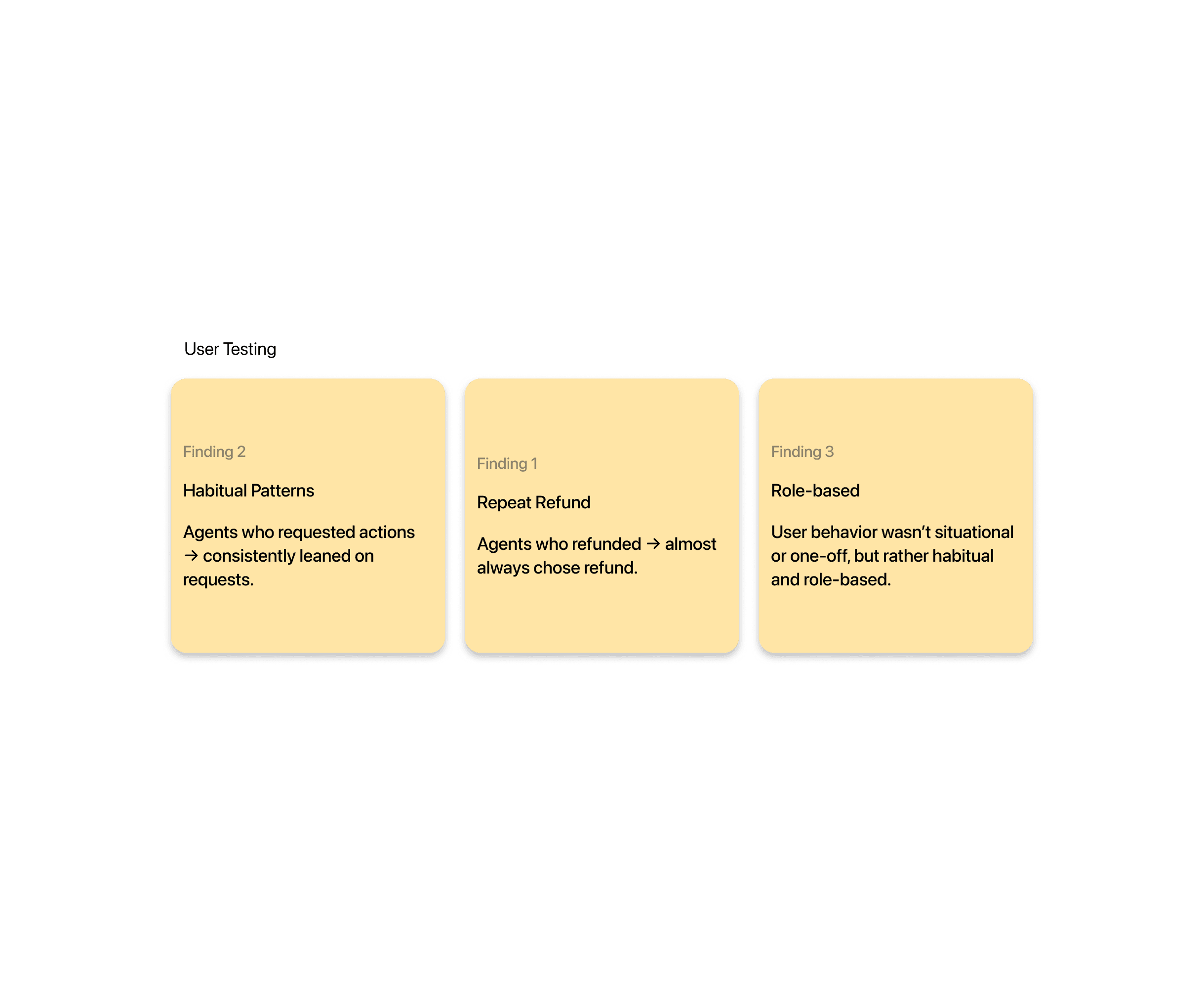
We ran moderated sessions with 8 Shopify store owners, watching them log in, manage conversations, and check AI performance. They appreciated what the AI was doing but struggled to quickly see what needed their attention. Across sessions, one thing stood out: people don't act randomly—their choices were habitual and tied to their role, not situational.



BUSINESS IMPACT
Results
53% increase in dashboard engagement. 65% increase in AI-powered message sends. 34% feature retention rate after onboarding. The redesign was featured in Shopify's own “Harness the powers of AI” spotlight.
Strategic directions
Three bets on how the redesign should work
The three principles that shaped every interface decision.
Make the AI Visible: don't hide the magic. Instead of burying AI activity in logs, we show merchants what the bot is doing in real time, answering questions, processing refunds, upselling, so it feels like a helpful teammate, not a black box. Guide, Don't Overwhelm: surface the right information at the right time, with a light, linear interface instead of information overload. Respect the Human Touch: even at high automation, merchants can intervene, override, or personalize any response. The AI handles the routine work; the final say stays with the store owner.

Make the AI Visible
Show merchants what the bot is doing in real time, answering questions, processing refunds, upselling, so it feels like a teammate, not a black box.
Guide, Don't Overwhelm
Surface the right information at the right time in a light, linear interface, no information overload, just what merchants need to act.
Respect the Human Touch
Even at high automation, merchants can intervene, override, or personalize any response. The AI handles routine work; the final say stays with the store owner.
reflections
Key Takeaways
Design Follows Behavior
Testing revealed users had strong, habitual patterns. Once we stopped assuming and started designing around how merchants actually behave, the AI-driven customization finally clicked.
Automation Needs Trust
Even at 90% automation, merchants still wanted to feel in control. Every automated action had to be explainable, reversible, and aligned with their intent, not just fast.
Collaboration Compounds
Working closely with engineers, PMs, and users through multiple iterations shaped a dashboard that feels both smart and human, something no single round of design could have gotten right alone.

U-Haul Homepage
U-Haul Truck Reservation